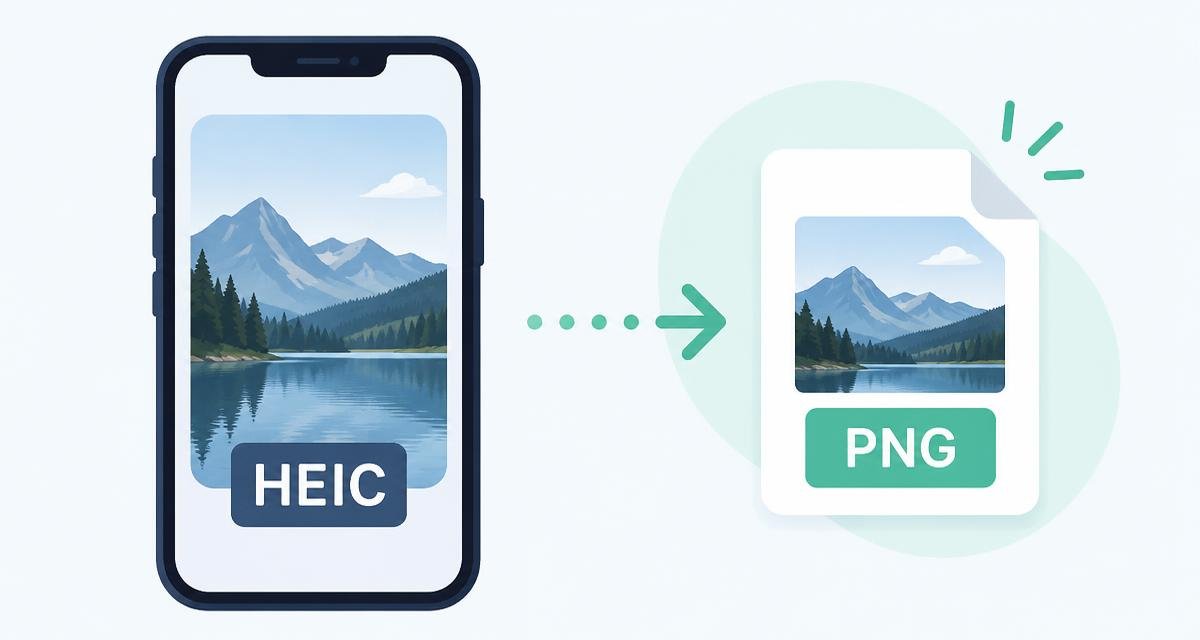
You airdropped a photo to a laptop, or attached one to a form, and got told the file type is not supported. The file ends in .heic.
Apple switched to HEIC years ago because it halves the storage a photo library needs. Outside the Apple world, support is still thin — which is why this conversion comes up constantly.
HEIC, HEIF, and why forms reject them
HEIC is Apple's name for an image stored in the HEIF container using HEVC compression. It holds more detail in less space than JPEG, and can carry things JPEG cannot, such as depth maps and Live Photo frames.
The trouble is licensing and age. Many Windows apps, web upload forms, CMS platforms and print services simply do not decode it, so they reject the file rather than show it.
PNG or JPG — which should you pick?
For an exam or job portal, always choose JPG and then compress it to the required size band.
- JPG for ordinary photographs, email attachments, application forms and anything with a size limit. Much smaller files.
- PNG when you need a lossless copy for editing, or the receiving system specifically asks for PNG. Expect a large file — a phone photo as PNG can easily exceed 10 MB.
Converting in your browser
Holiday photos, documents, screenshots of private messages — none of it is uploaded. There is no server in this process to receive it.
- 1Open the HEIC to PNG page, or the HEIC to JPG page if you want a smaller file.
- 2Drop one photo or a whole folder of them in.
- 3Each file is decoded and re-encoded locally, then listed with its new size.
- 4Download individually, or take the whole batch as a ZIP.
Stop your iPhone making HEIC files
If you regularly send photos to people on other platforms, change the capture format once and the problem disappears.
- 1Open Settings, then Camera, then Formats.
- 2Choose Most Compatible. New photos are saved as JPEG from then on.
- 3Under Settings, Photos, scroll to Transfer to Mac or PC and pick Automatic so existing HEIC photos convert when copied.
Things to know before converting
- Live Photos convert as a single still frame; the motion is not carried over.
- Depth and portrait effect data is not preserved in PNG or JPG.
- Location and camera metadata is dropped during re-encoding, which is usually what you want before sharing.
- Browser support for reading HEIC varies. Safari handles it natively; other browsers may need the file to be a standard HEIC rather than an unusual variant.
Do it now, in this tab
Nothing to install, no account, and your file never leaves your device.
Frequently asked questions
Why will my HEIC file not open on Windows?+
Windows needs an extra codec to read HEIC, and many individual applications never added support. Converting to PNG or JPG avoids the issue entirely.
Should I convert HEIC to PNG or JPG?+
JPG for everyday sharing and uploads because the files are far smaller. PNG when you want a lossless copy or a system demands PNG.
Will converting lose photo quality?+
PNG is lossless, so no visible loss. JPG re-encodes the image, but at a good quality setting the difference is invisible on screen.
How do I stop my iPhone saving HEIC?+
Settings, Camera, Formats, Most Compatible. Photos taken after that are JPEG.
Can I convert many HEIC photos at once?+
Yes. Drop the whole folder in and download the converted images as a single ZIP.
Is my photo uploaded during conversion?+
No. Decoding and re-encoding happen inside your browser on your own device.
Spotted something out of date, or want a guide on a size limit we have not covered? Email Mohitgoyal1108@gmail.com.